5 AI Prompts for Tattoo Design

The best Tattoo Design prompts in the Art and Design library. Tested on ChatGPT, Claude, Gemini and every major model.

Browse the prompts

A gigantic winged angel tattoo covering the back of a woman, {{tattoo-style-details}} --chaos 30 --ar 3:4 --exp 50 --sref 1399970270 --sw 600 --stylize 500

Back Tattoo Design Generator

Generates a large-scale winged angel tattoo design that covers the entire back, with customizable style details. Runs on Midjourney with high stylization and chaos parameters for expressive, detailed results.
35
A fine-line tattoo design with a minimalist celestial sun and moon, on a white background, in the style of Dr. Woo --chaos 33 --ar 3:4 --exp 15 --sref 3933678677 --sw 500 --stylize 400

Minimalist Celestial Sun and Moon Tattoo Design

Generates a fine-line tattoo design featuring a minimalist celestial sun and moon on a white background, inspired by Dr. Woo's signature style. Runs on Midjourney with custom style and chaos parameters for balanced, elegant line work.

28

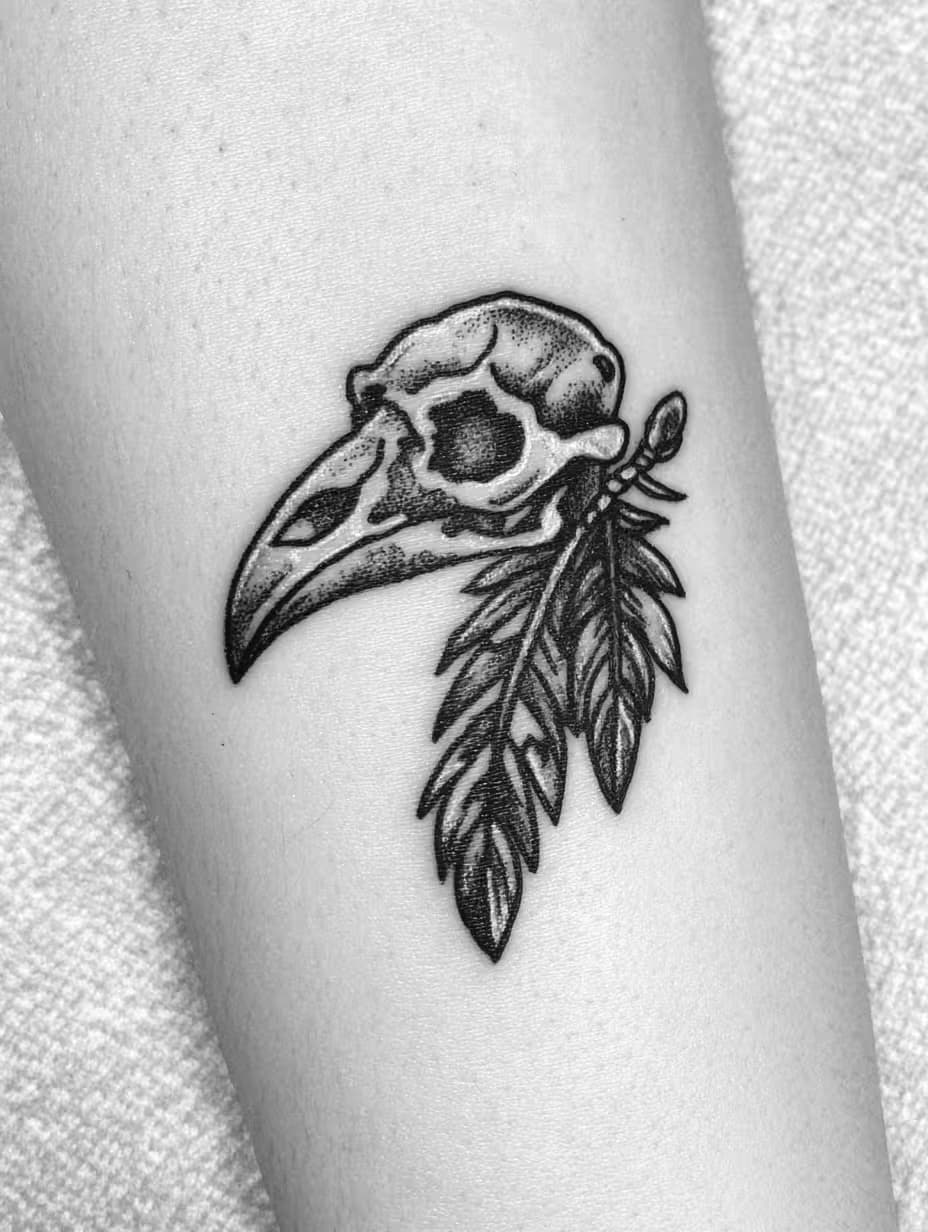
Blackwork Tattoo Design Generator

Generates blackwork tattoo designs featuring raven skulls and broken feathers in Pablo Bruno's chaotic style. Runs on Midjourney with custom stylization and chaos parameters.

23

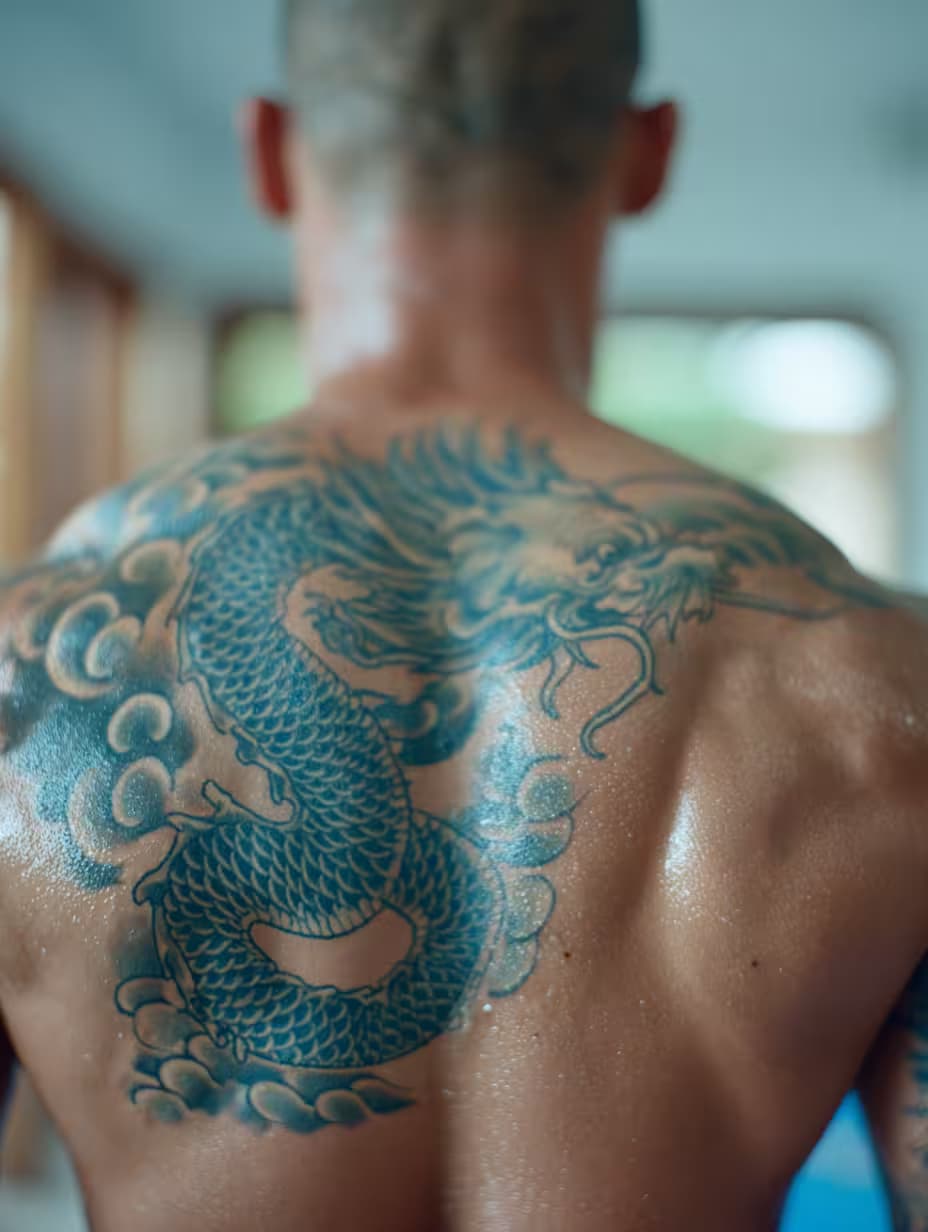
Japanese Irezumi Tattoo Design Generator

Generates traditional Japanese irezumi tattoo artwork in the style of master tattoo artist Horiyoshi III. Runs on Midjourney with style-reference parameters for authentic full-body tattoo compositions.

20

Realistic Tattoo Design Generator

Generates hyper-realistic tattoo designs in the style of Nikko Hurtado on a black background. Runs on Midjourney with tuned chaos, stylization, and style-reference parameters for photorealistic ink art.

20

What are AI prompts for Tattoo Design?

AI prompts for Tattoo Design are engineered instructions that already work. These are not one-line questions. Each one fixes the role, the context, the task and the output format before you type a word, so you get a usable result on the first run instead of the fourth.

They cover the work Tattoo Design actually get asked for: research and briefs, copy and content, analysis and reporting, planning, outreach and the admin that eats the day. Open a card to see the full prompt and the output it returns.

Popular on this page right now: "Back Tattoo Design Generator", "Minimalist Celestial Sun and Moon Tattoo Design", "Blackwork Tattoo Design Generator".

5 on this page, every one scoped to Tattoo Design. Free to read, free to copy.

Why these prompts work for Tattoo Design

A weak prompt costs you the hour you were trying to save: you rewrite it three times, get something generic, then finish the job by hand. An engineered prompt front-loads that thinking once.

In Tattoo Design that means first drafts you can send, analysis you can act on, and the repetitive work handed off, so the time goes into judgement instead of typing.

Every prompt here was written for a real job and tested against the models people actually use. Nothing scraped from a thread.

How to use these prompts

Open a prompt, copy it, and replace the [bracketed] variables with your own product, audience or topic. The structure around them stays as is. That structure is the part doing the work.

Paste it into ChatGPT, Claude, Gemini, Grok or the model you already use. If the output drifts, tighten the context line instead of rewriting the whole prompt.

No account needed to copy one. No setup, no extension, nothing to install.

Which AI tool works best for Tattoo Design prompts?

Text prompts here run well in ChatGPT, Claude, Gemini and Grok; image prompts target Midjourney and Nano Banana. Each card lists the models it was tested with.

Are these AI prompts free to use?

A big part of the library is free: open a prompt, copy it, use it. Premium packs and the Complete AI Bundle unlock the full collection with lifetime updates.

How do I adapt these prompts to my use case?

Start with the [variables]: niche, audience, constraints. If the result still misses, add one example of the output you want. A single good example beats three extra instructions.

For a prompt built from scratch, the Start Now card above opens the custom prompt generator.

Related resources